Change my GoDaddy account password
You can change your GoDaddy account password after you sign in to your account.
- Go to your GoDaddy Security page. You might be prompted to sign in.
- In the Security list, below Account Information, select Password.
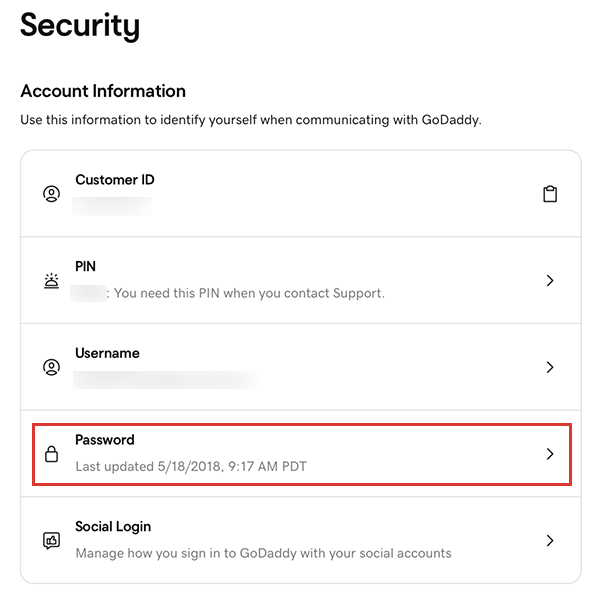
- Enter a New password, then enter it again in the Confirm Password field.
- Select Change Password. You'll see a success message when your password is updated.
More info
- If you forgot your password, reset it.