Get a Business Calling & Texting number
Step 2 of the Set up GoDaddy Conversations and connect with customers series
If you have a standalone Conversations subscription, you can set up a dedicated business phone number to connect with customers through text messages and calls, using GoDaddy Conversations.
Note: Calling and texting is only available for U.S. phone numbers. To send text messages through GoDaddy Conversations, you'll need to register your business number for A2P10DLC compliance.
If you didn't set up your Business Calling & Texting number when you bought your Conversations standalone subscription, you can do so when you first sign in to the Conversations mobile app.
- Download and install the GoDaddy Conversations mobile app, and then sign in using your GoDaddy details.
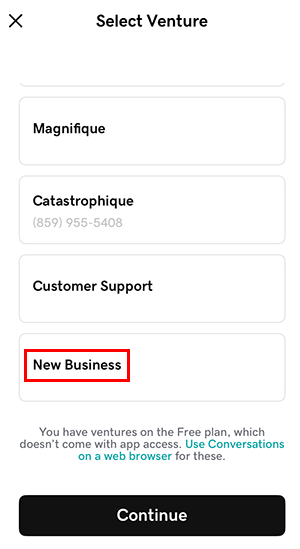
- Scroll to the end of your list of ventures, and then tap New Business. This is your new paid subscription.
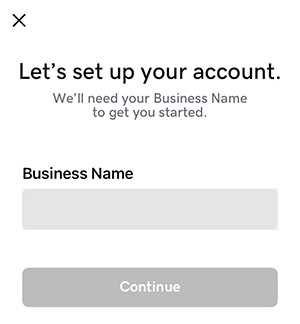
- Enter a name for your business, and then tap Continue.
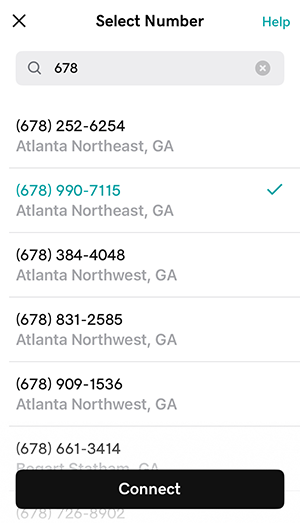
- Enter the 3-digit U.S. area code of the city or region where you do business.
- Tap the phone number you want to use, and then tap Connect to finalize your selection.
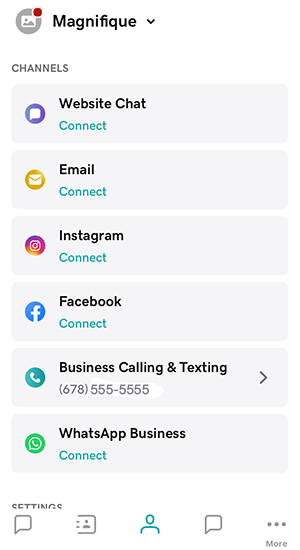
- On the Account page, you'll find your new business phone number.